Publishing data and code
Dataset and code integration using Dryad and Zenodo
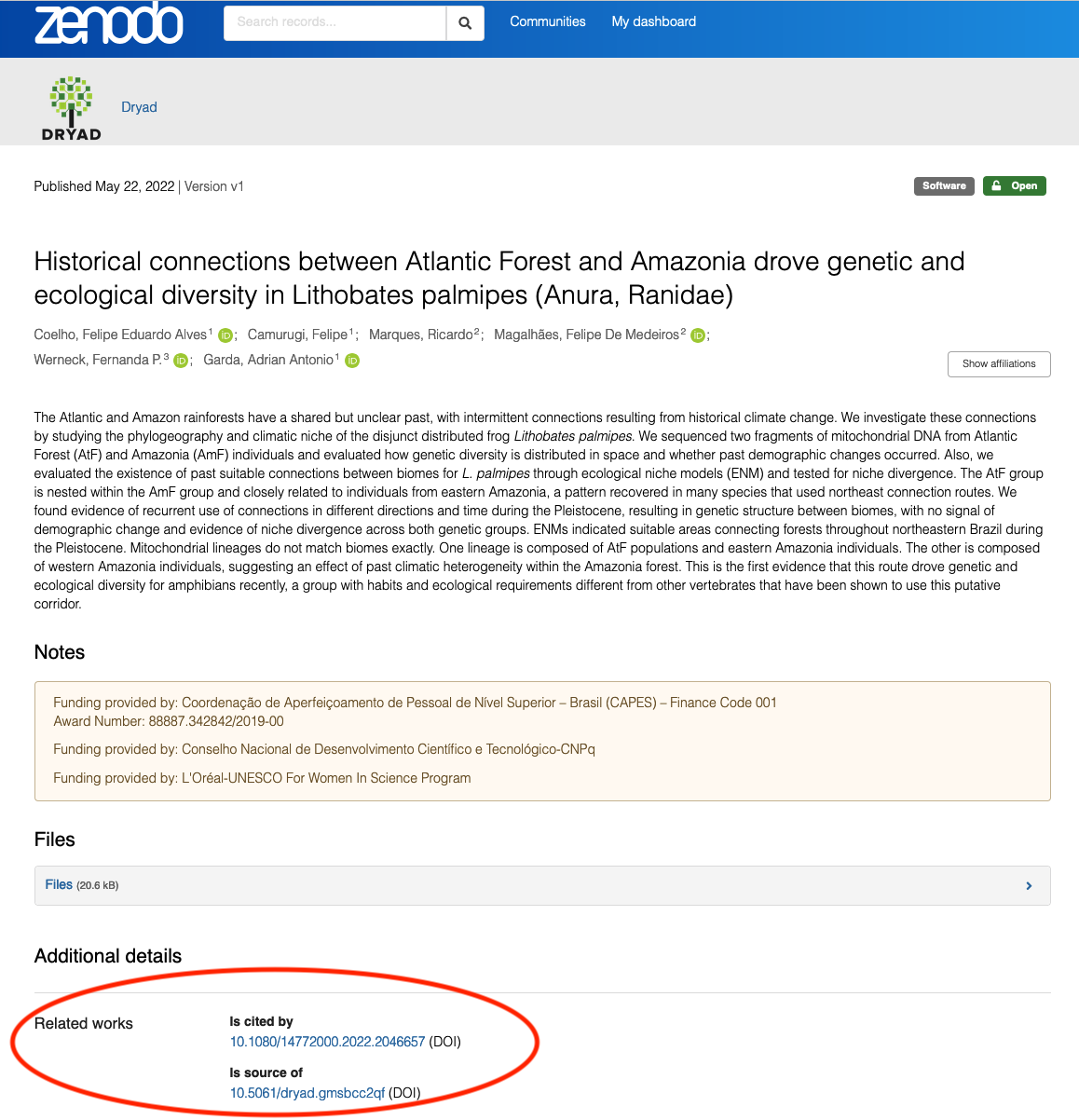
Dryad (data repository) and Zenodo (generalist repository for data, code and a variety of other research outputs) have a nice integration through which, starting with Dryad, you can upload your data to Dryad and related analytic code to Zenodo all in one workflow. This will result in bi-directional linking between the data and the code as demonstrated with this example dataset.
In this case, the researcher has deposited a group of data files and accompanying documentation with Dryad.
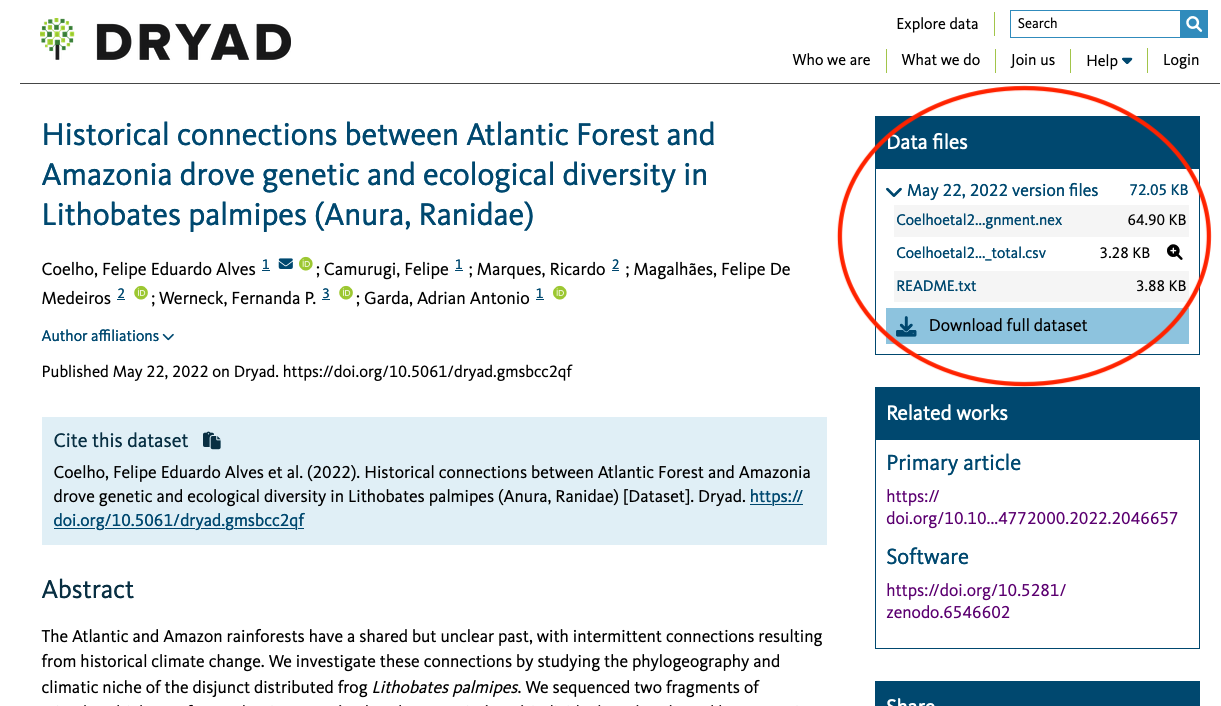
As part of that deposit, they have also deposited analysis code that is related to the project.
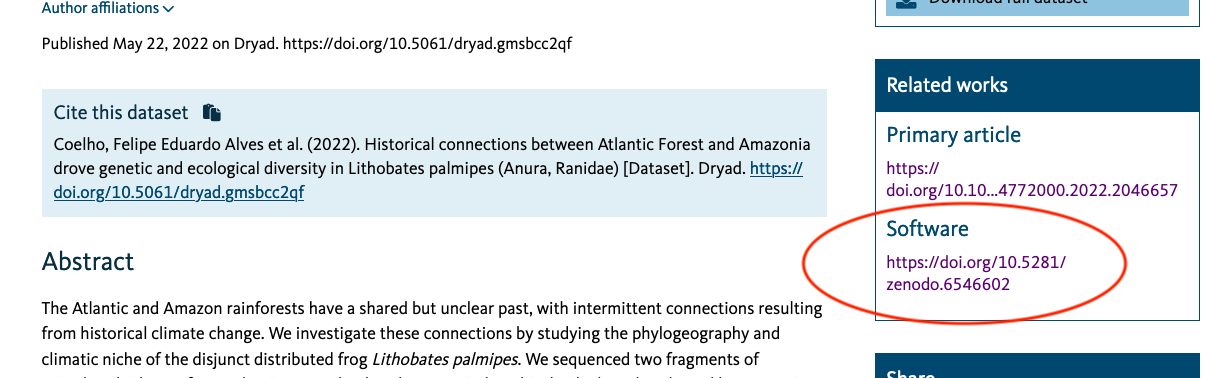
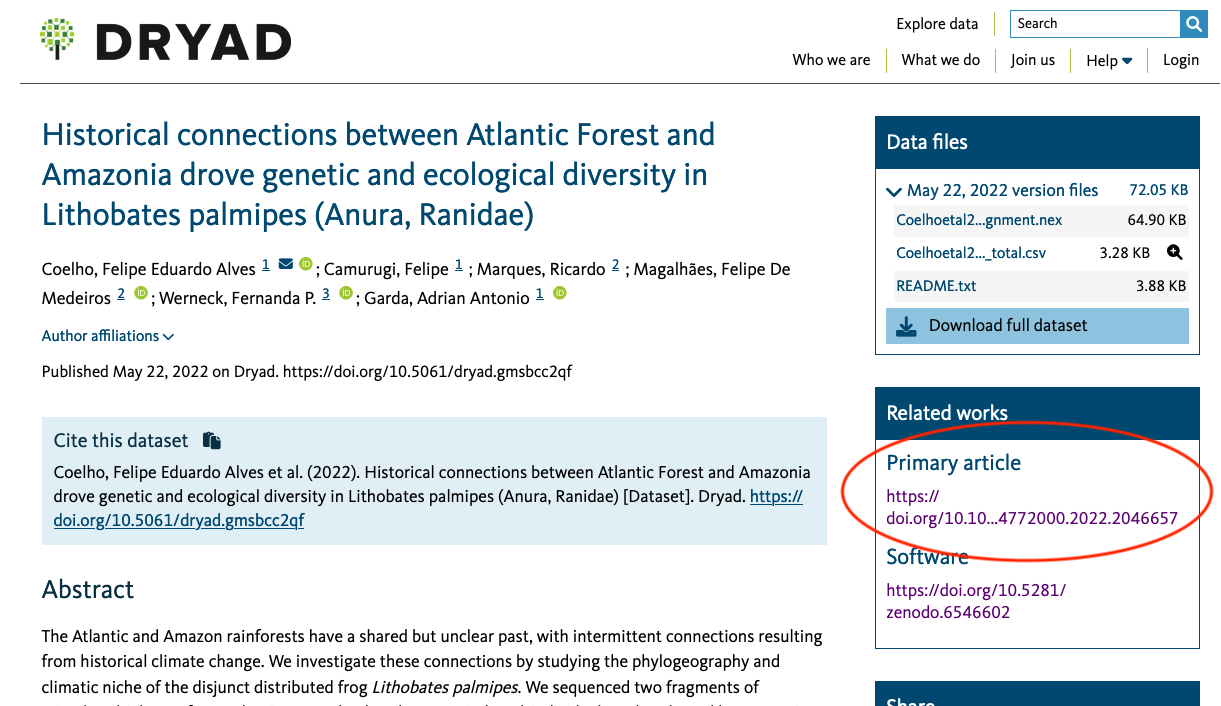
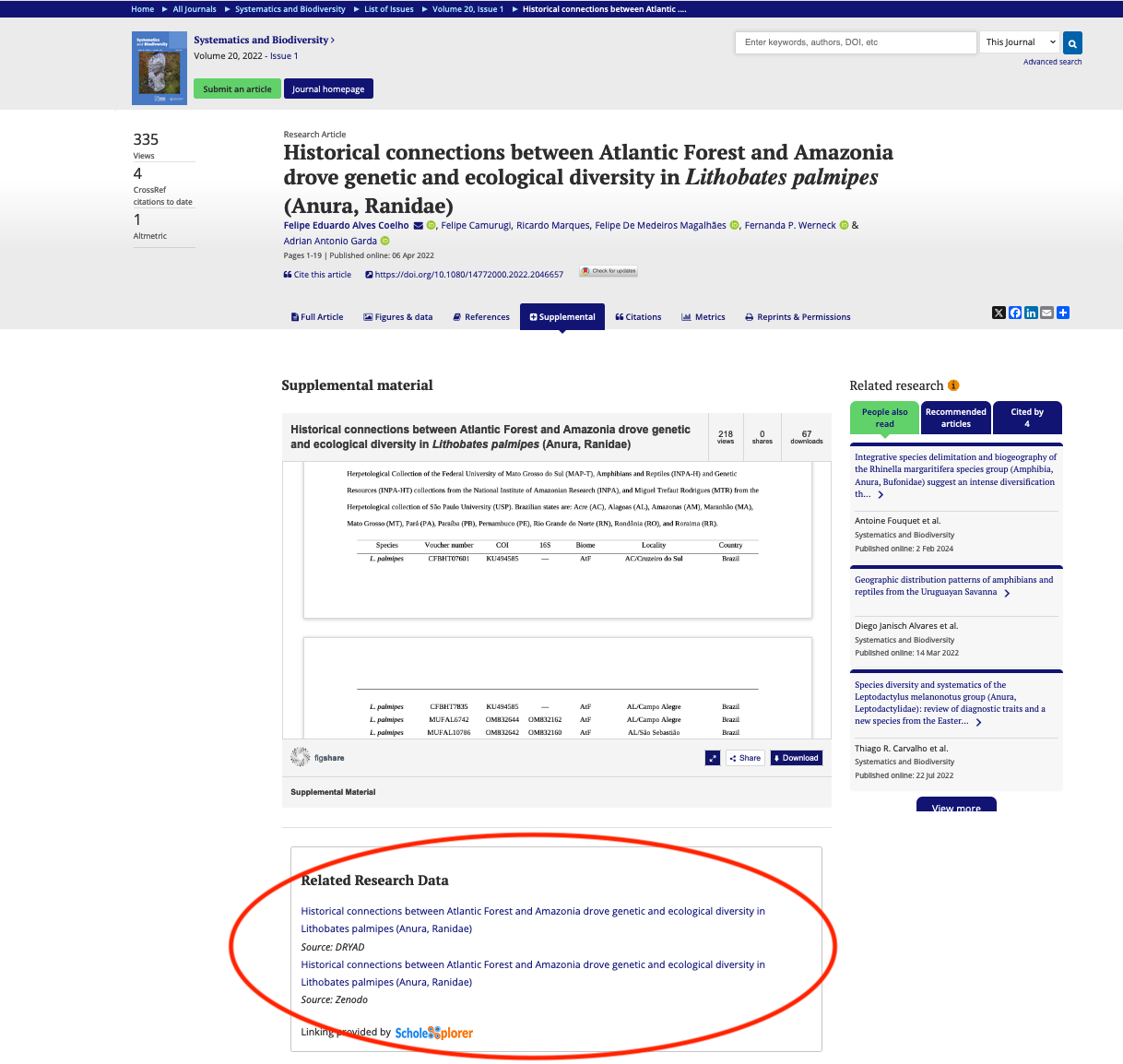
Both the data and the code are in support of their article, published in Systematics and Biodiversity, which is linked from the dataset landing page in Dryad.
As mentioned, this linking is bi-directional; you will see the data and code referenced on the article's website (under the supplemental tab)
and the landing page for the code in Zenodo refers back to the data where it lives in Dryad.
Versioning published software using GitHub and Zenodo
NOTE: As of writing, this integration will only work with repositories on the publicly available GitHub (https://github.com). Repositories on NC State's enterprise GitHub (https://github.com/ncstate-community) are not publicly available and cannot be pushed to Zenodo.
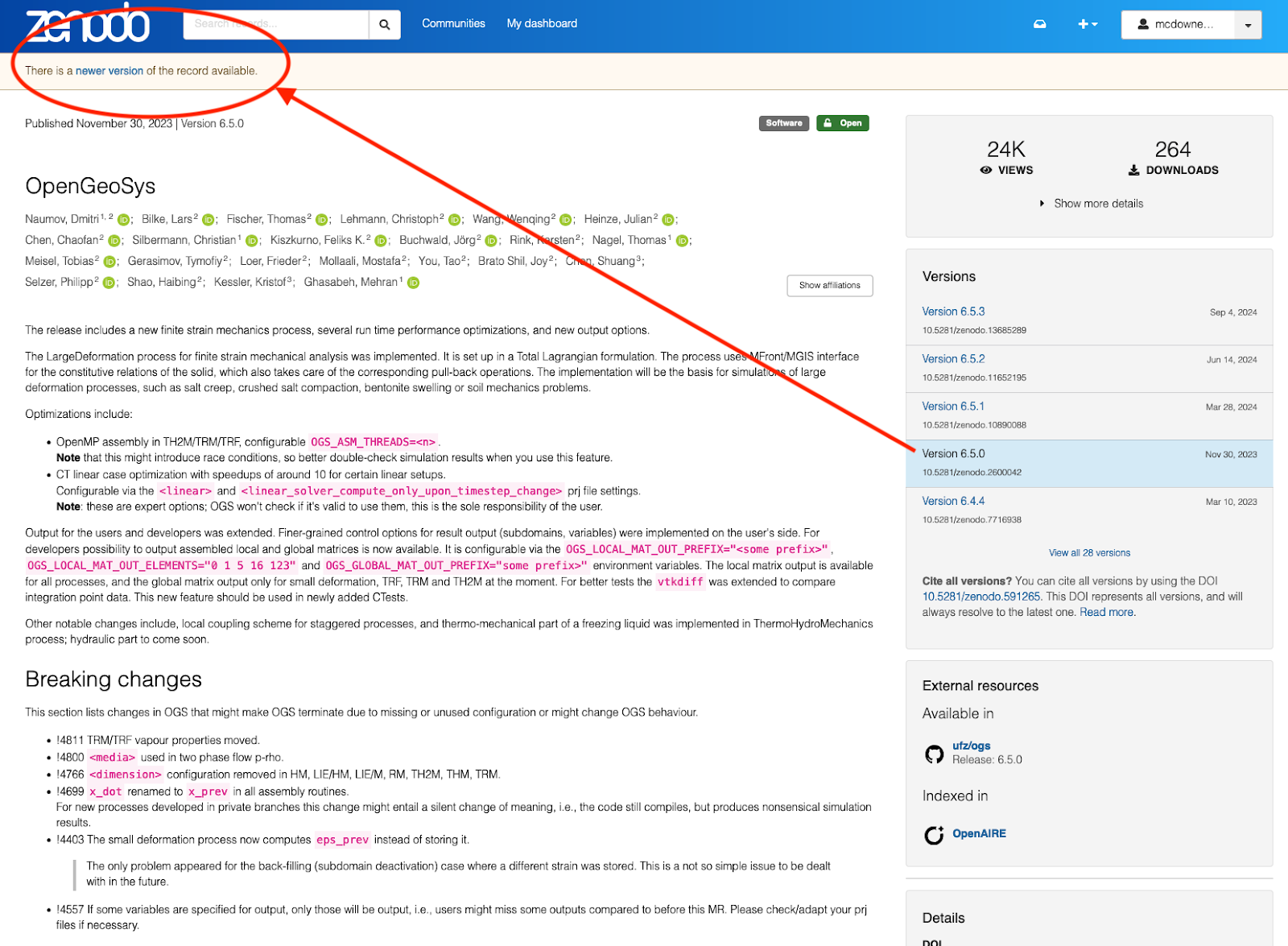
In addition to providing a home for code that is associated with datasets and/or articles, Zenodo is also a good tool to publish stand-alone software. There is a nice integration between GitHub and Zenodo that allows you to actively develop software in GitHub and occasionally publish new versions (or releases) of the software and obtain a new DOI for each version through Zenodo.
GitHub documentation on archiving a repository and citing contents
With this example software, you can see that the authors have issued multiple versions of the software, all of which are individually accessible from the main software landing page. Each new version gets its own DOI. Here, the authors have added individual merge request/release details for this version in the resource metadata.
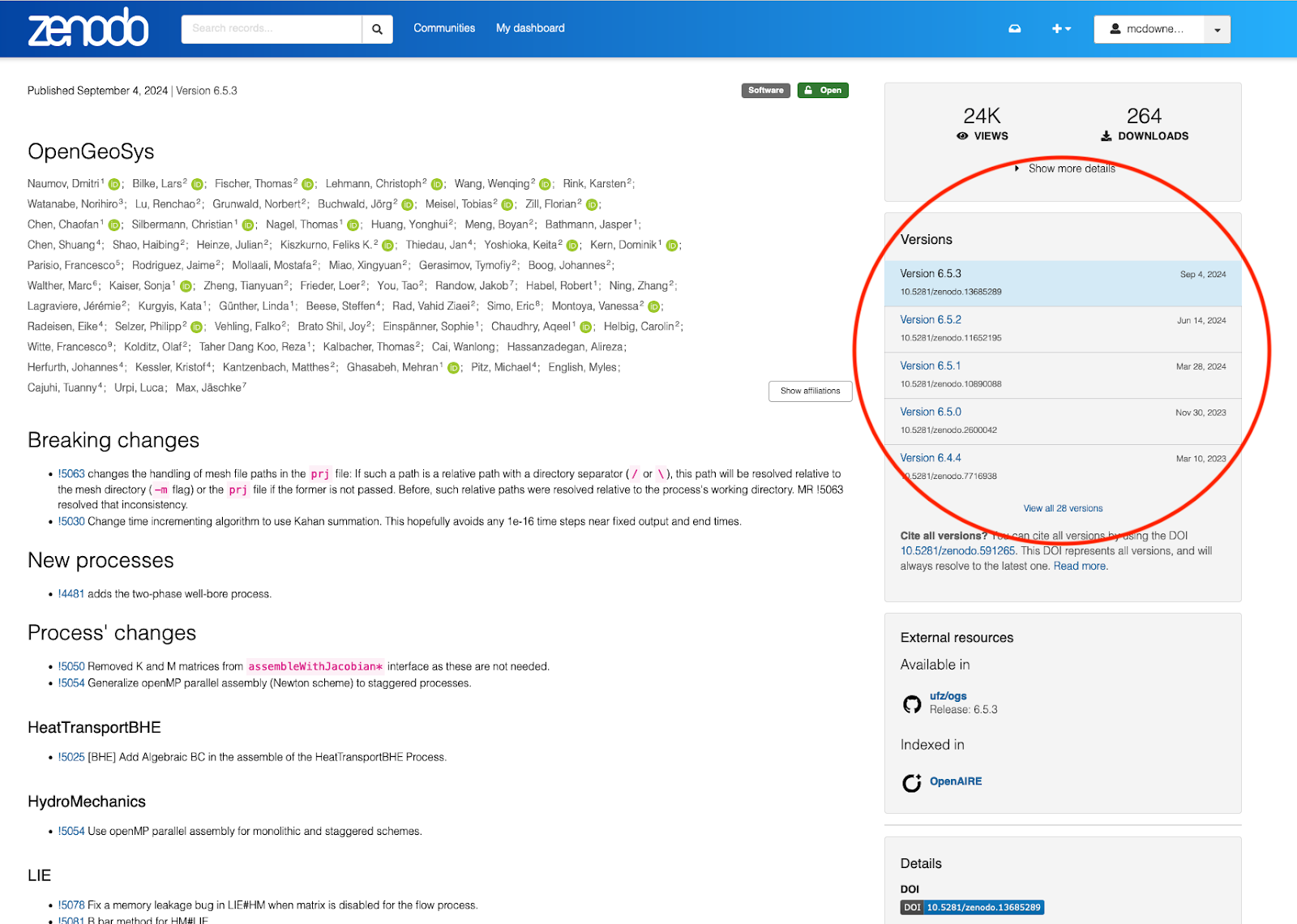
You can cite the whole software resource (and all of its versions), or you can cite specific versions.
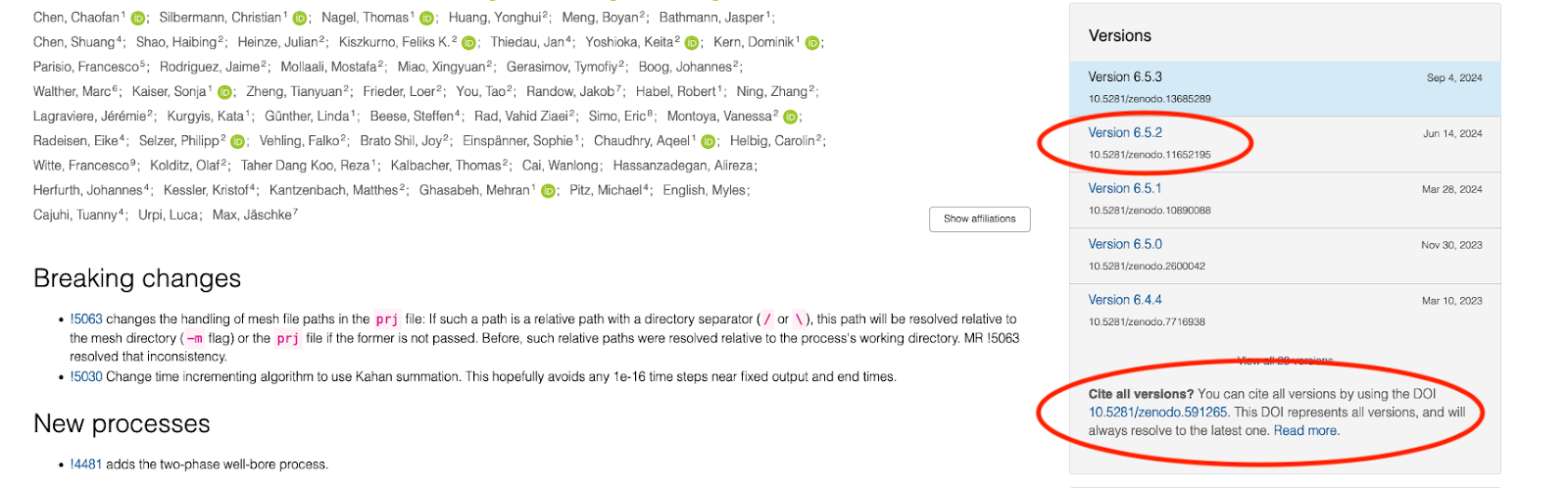
If you've landed on an older version of the software resource, there will be an indication at the top of the page with a link to the most current version (note the different release notes in the metadata visible in the screenshot).