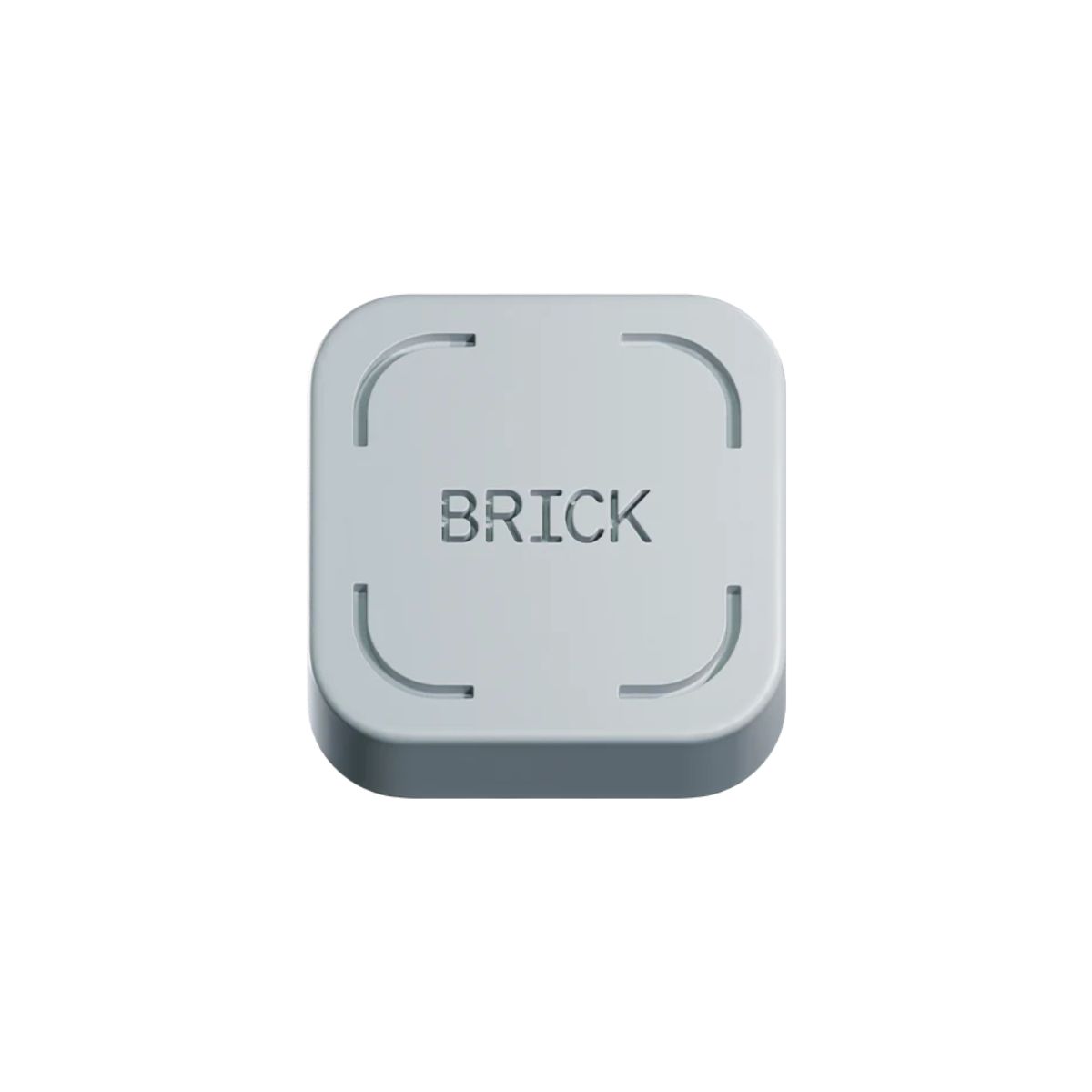
The Brick LLC Brick Phone Blocker
How can I borrow this device?
You can borrow this device from:
How long can I borrow it?
24 hours
About this device
The Brick is a small, screen-free device that breaks your phone's grip on your attention — physically. Tap your phone to it, and your chosen apps lock instantly. The only way to unlock them is to tap your phone to the Brick again, so if you leave it in another room, those apps stay off-limits until you go back. No fees, no charging, no subscriptions — just a magnet-backed puck for your desk, fridge, or dashboard.
How to use it:
- Set up your modes — In the Brick app (iOS or Android), choose which apps or sites to block, or flip it and pick which apps stay on while everything else locks. Save presets for different parts of your day (e.g., Work, Family Time, Sleep, Study).
- Tap to activate — Hold your phone near the Brick to enable your chosen mode. It doesn't need power or a Wi-Fi connection — it's just a physical trigger.
- Step away — Put the Brick somewhere out of easy reach if you want extra friction (another room, a drawer). Blocked apps stay locked until your phone is tapped to it again.
- Unbrick when you're ready — Tap your phone to the Brick again to unlock everything and get back on with your day.
Useful information
-
What is the cost of replacement?
Borrowing this device is free. But if it is lost or broken beyond simple repair while being borrowed, the borrower will be required to pay the cost of replacing the item:$59.99