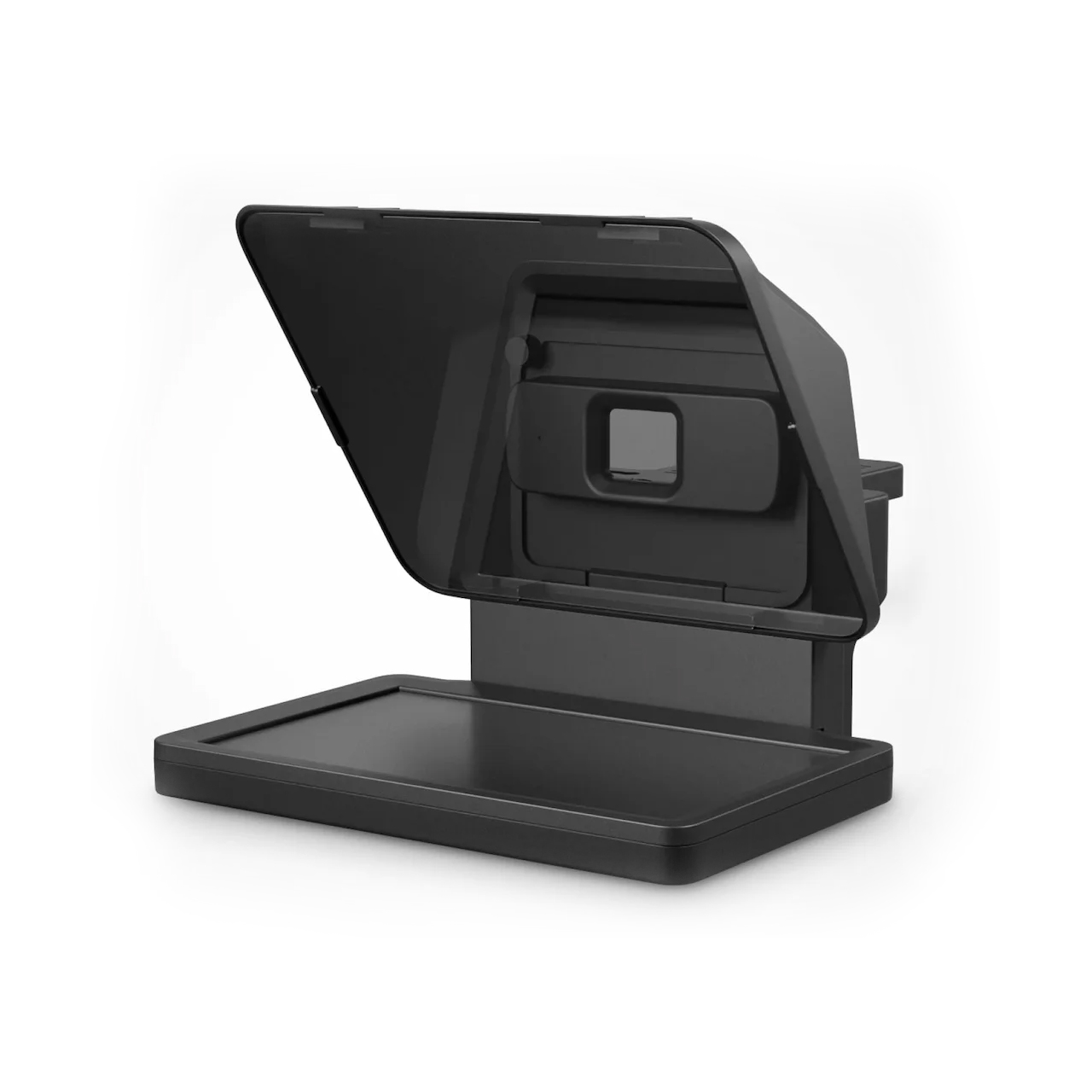
Elgato Prompter
Where can I use this device?
You can use this device in:
- Media Studio 4215, Hunt Library
This device may not be used outside the Libraries.
About this device
This teleprompter has a built-in display that shows scrolling text directly in front of the camera lens, allowing the speaker to read a script while maintaining eye contact with the camera. It is connected to Mac desktops with the Camera Hub app pre-loaded for controlling script content, scroll speed, and text size.
What can I use this for?
- Read a script while recording video and maintaining eye contact with the camera
- Control script scroll speed and text size through the Camera Hub app during recording
- Display notes, prompts, or reference content on-screen during a video session
Libraries staff used an AI agent, Claude, to generate this description, then reviewed it for accuracy. More about this process
Useful information
-
Who can I contact about it?
- What are the hardware specifications?
Mounted to an arm behind the computer monitor.
Was this helpful?
We're glad! Thanks for the feedback.
Website feedback
We hear you! Thanks for letting us know.
- What are the hardware specifications?